The customer's tracking page
The tracking link opens a web page. Customers don't need an app, an account or a password, and the page is built to open quickly on a phone with a weak signal.
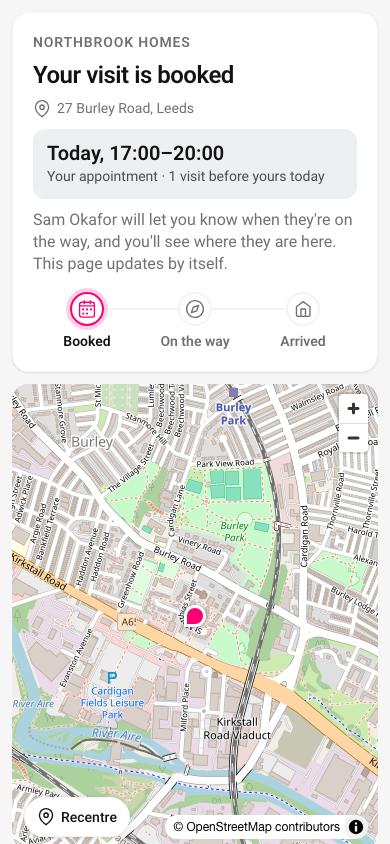
Before the operative sets off
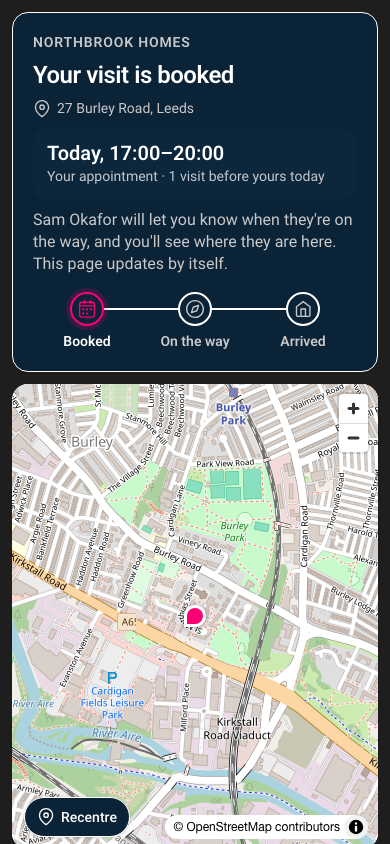
The customer sees your organisation, the address, and the appointment window if you set one.
On the way
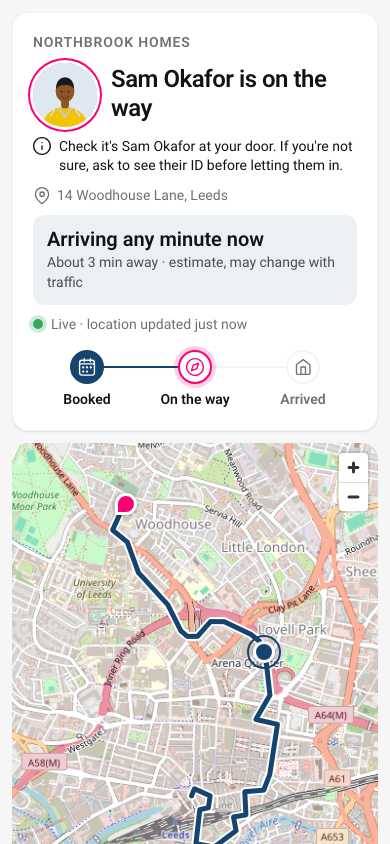
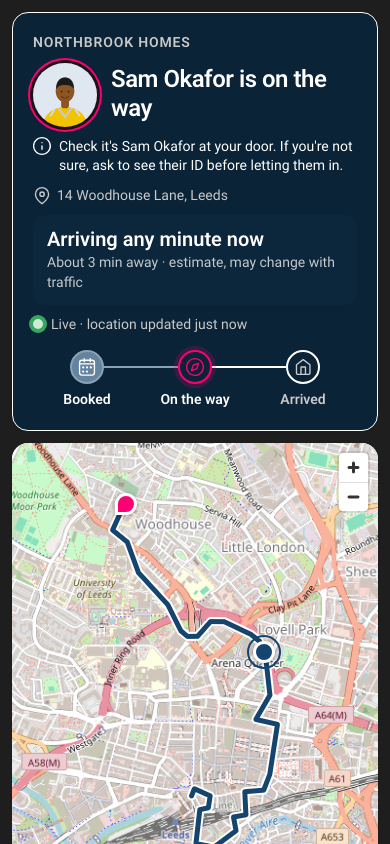
When the operative sets off, the page shows:
- the operative's name and, if you've added one, their photo;
- a reminder to check who is at the door and ask for ID if they're unsure, which matters most for vulnerable tenants;
- a short arrival window that updates as the operative travels, worked out from the route and the traffic when they set off;
- a live map with the route and the operative's position. Between location updates, which arrive about every 10 seconds, the marker carries on along the route at the arrival estimate's average pace for a few seconds, then moves to the next real position. It holds still when the operative isn't moving or the location is inaccurate.
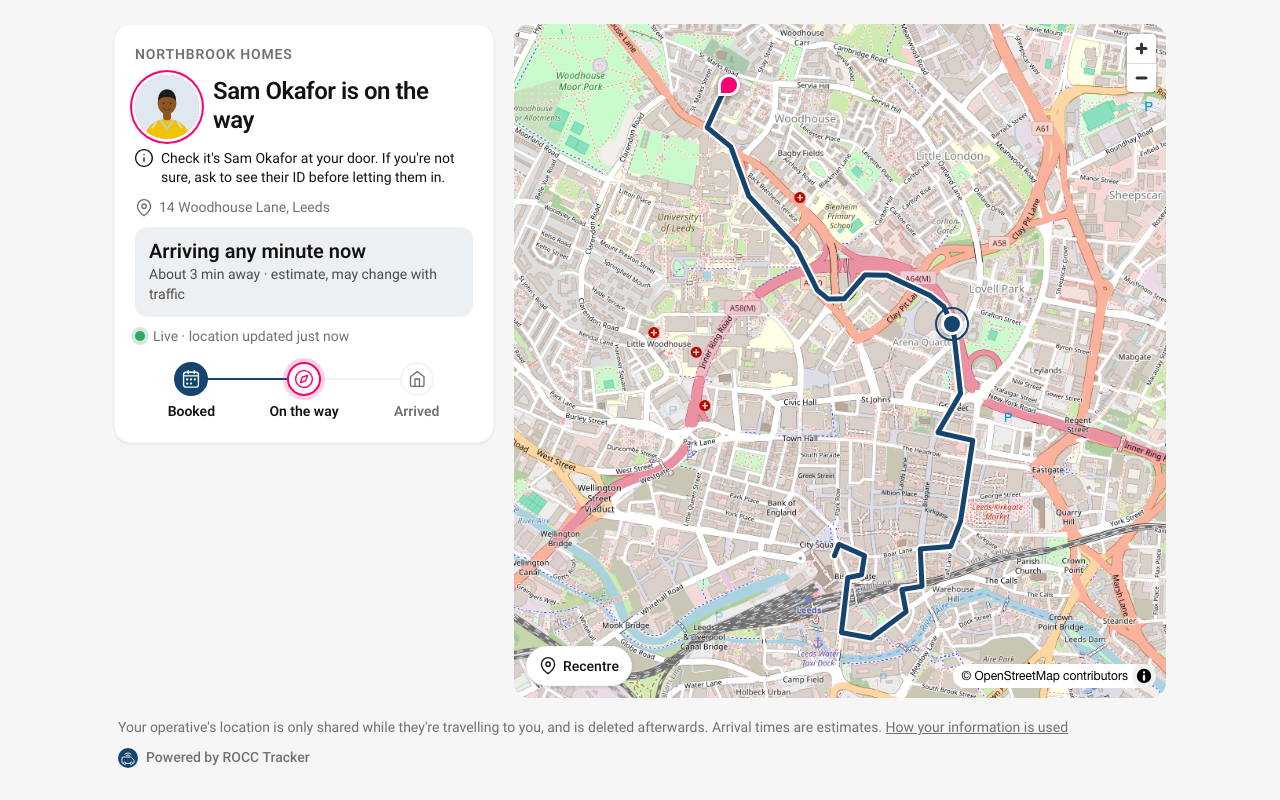
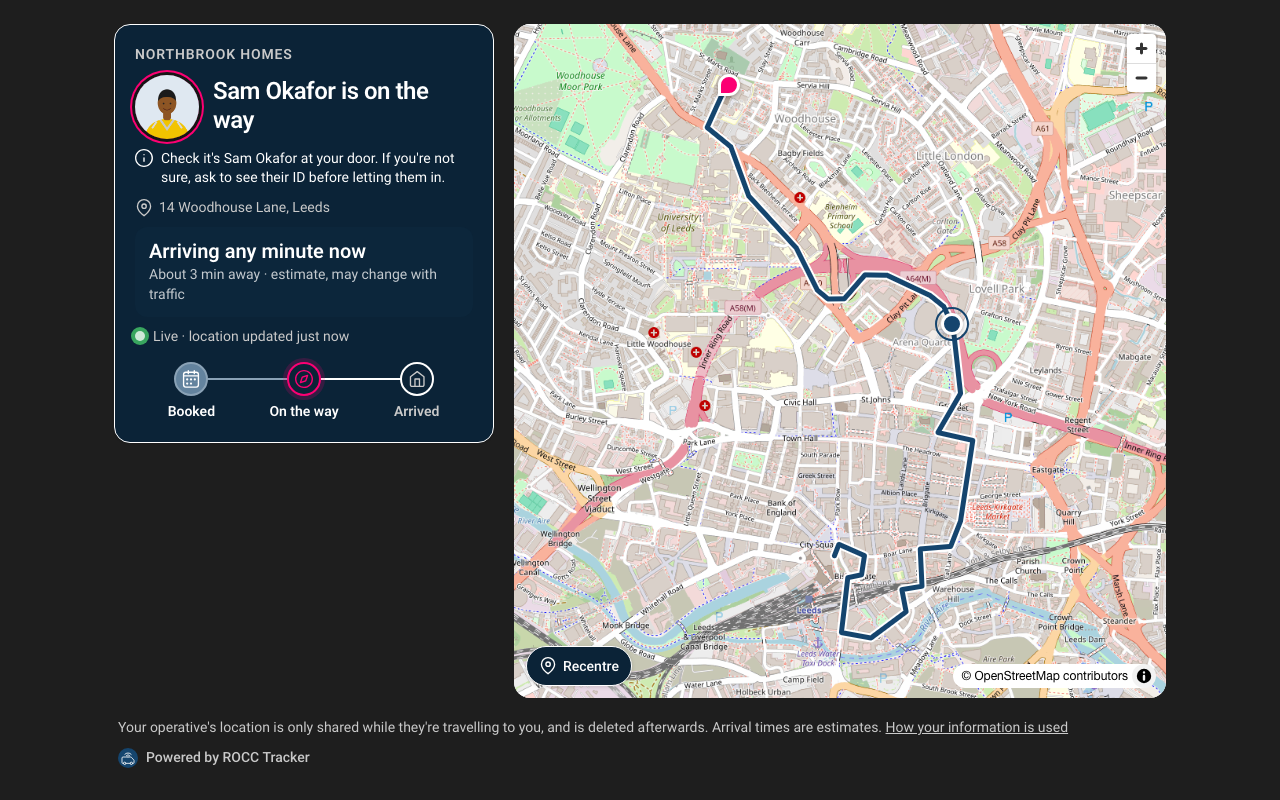
If the operative says they're running late, the page shows their new time and, for most reasons, why. Customers with an email address are told too.
If the operative's phone stops sending its location for 3 minutes, the page says so rather than showing an old position as current. Updates arrive over a live connection. If that can't be kept open, the page checks every 30 seconds instead.
Notifications on their device
Customers can tap Notify me when they set off and arrive. Their browser then shows a notification when the operative sets off, when they're about 5 minutes away and when they arrive, even with the page closed.
- It works in Chrome, Edge, Firefox and Samsung Internet on Android, and in desktop browsers.
- On iPhone and iPad, Apple only allows web notifications for pages added to the Home Screen, so most iPhone users won't see the button. Email or your own text messages cover them.
- Notifications name your organisation, not the operative or the address, because lock screens can be read by anyone nearby.
- Tracker forgets the subscription when the visit ends.
After they arrive
The page confirms the operative has arrived and stops showing any location.
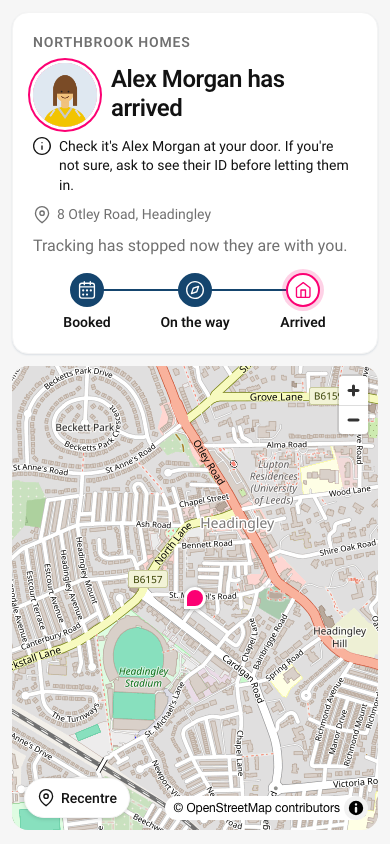
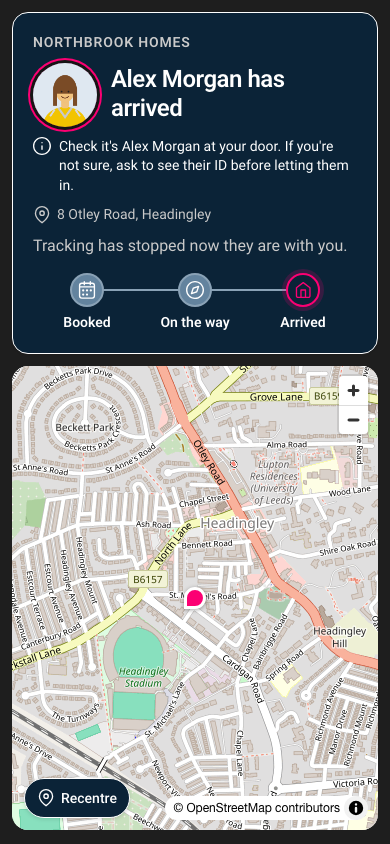
The page never shows the customer's own details, the operative's location outside this journey, or anyone else's visits. See Privacy and location data.