The Tracker app
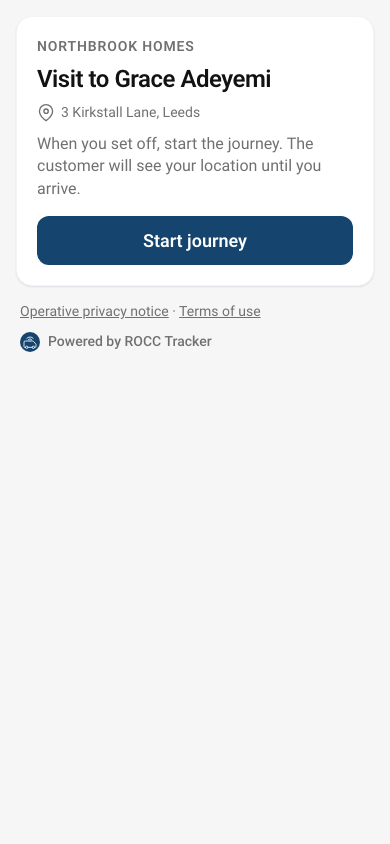
The Tracker app for iOS and Android is deliberately small: today's visits, Start journey, directions and I've arrived.
Signing in
Operatives sign in in any of three ways:
- by opening the invite link from their email;
- by typing a pairing code from the admin;
- by choosing No code? Email me one and using the code that arrives.
They stay signed in until they sign out, or you sign their devices out.
Privacy zone
After signing in, the app offers a privacy zone under "Before you start". The operative moves a circle on a map so their home is inside it, but not in the middle. While the phone is inside the circle, the app sends no location.
- Place it around me draws a circle with the phone's position away from the middle. The circle is between 300 m and 2 km across.
- The zone is kept on the phone only. It isn't sent to Tracker, so you can't see it in the admin. Signing out deletes it.
- Starting a journey inside the zone: the customer's page says the operative is on the way, but shows no position or arrival time until they leave the zone.
- Driving through the zone: that part of the journey has no location, and shows as a dashed line in visit history.
- A visit inside the zone: no location is shared on the way. The visit screen says so.
- Operatives can skip it, and set or change it later in Settings.
With background location, the app sends each batch of positions itself once a zone is set. If the app is closed completely, sharing pauses until it's opened again.
A day in the app
- Today lists their visits in the order on the dispatch board. If your organisation allows it, it also lists visits they can pick up.
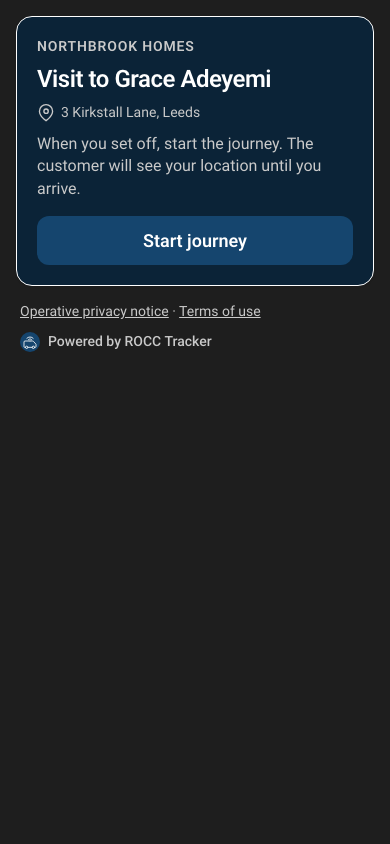
- Start journey tells the customer they're on the way and starts sharing location. Directions open the phone's own maps app.
- The visit screen shows the arrival time the customer is seeing, and says when they're nearly there.
- Running late (on any of their visits, before or during the journey): two big taps. First why: traffic, roadworks, parking, previous job overran, or stopped. Then roughly when they'll get there. The customer's page and a message show the new time.
- Prompt: if they've been stopped for a few minutes, or their arrival time has slipped well past what the customer was told, the app asks "Running late?". It only asks while they're stopped.
- The reason also keeps stops for parts or fuel out of Tracker's traffic estimates.
- I've arrived stops sharing and offers the next visit. Arriving within 60 m of the address also counts.
If the phone loses signal, positions are kept and sent when it's back. If the app is closed mid-journey, it picks up where it left off.
Without the app: the share-location link
Every visit also has an operative share-location link. Send it to a subcontractor, or to anyone without the app, and they can set off and share their location from the phone's browser while the page is open.