Operatives
Operatives are the people who travel to visits. Each plan includes a number of active operatives: 5 on Free. Deactivated operatives don't count, and you can reactivate them later if there's room.
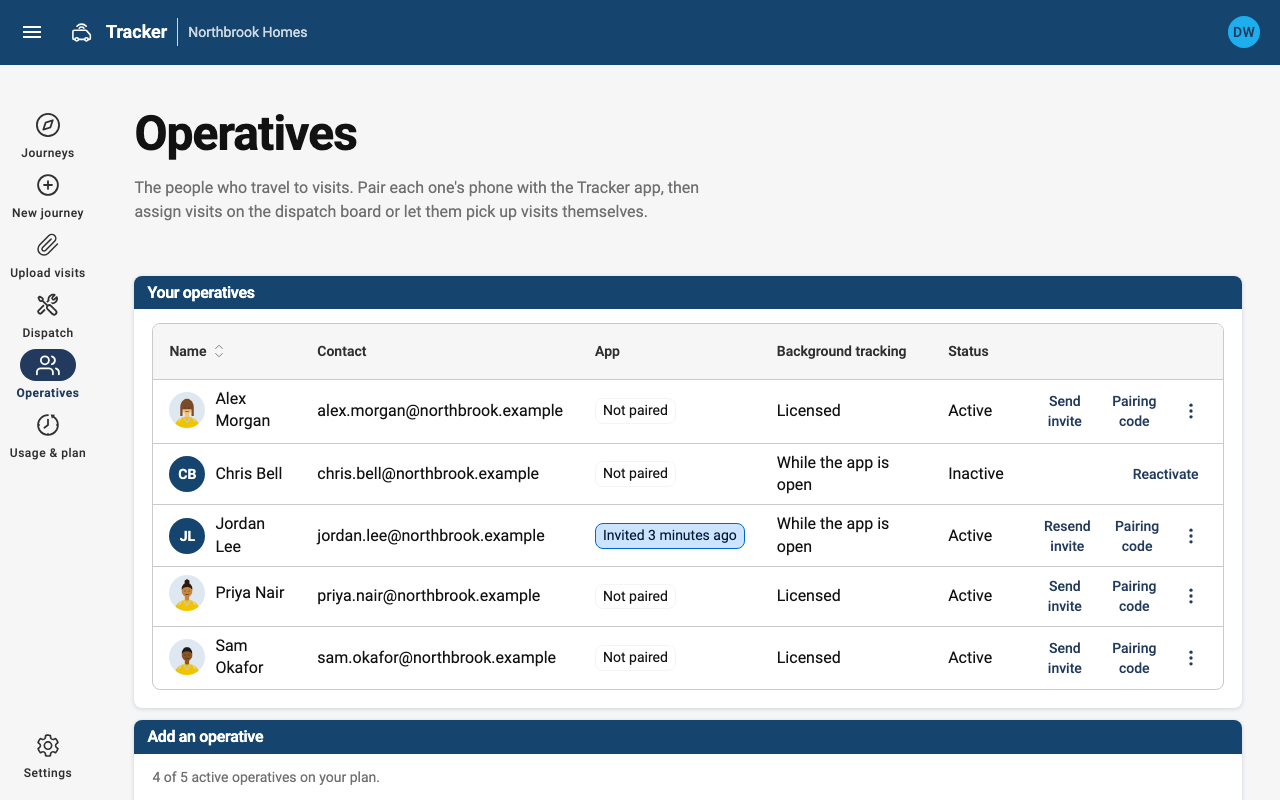
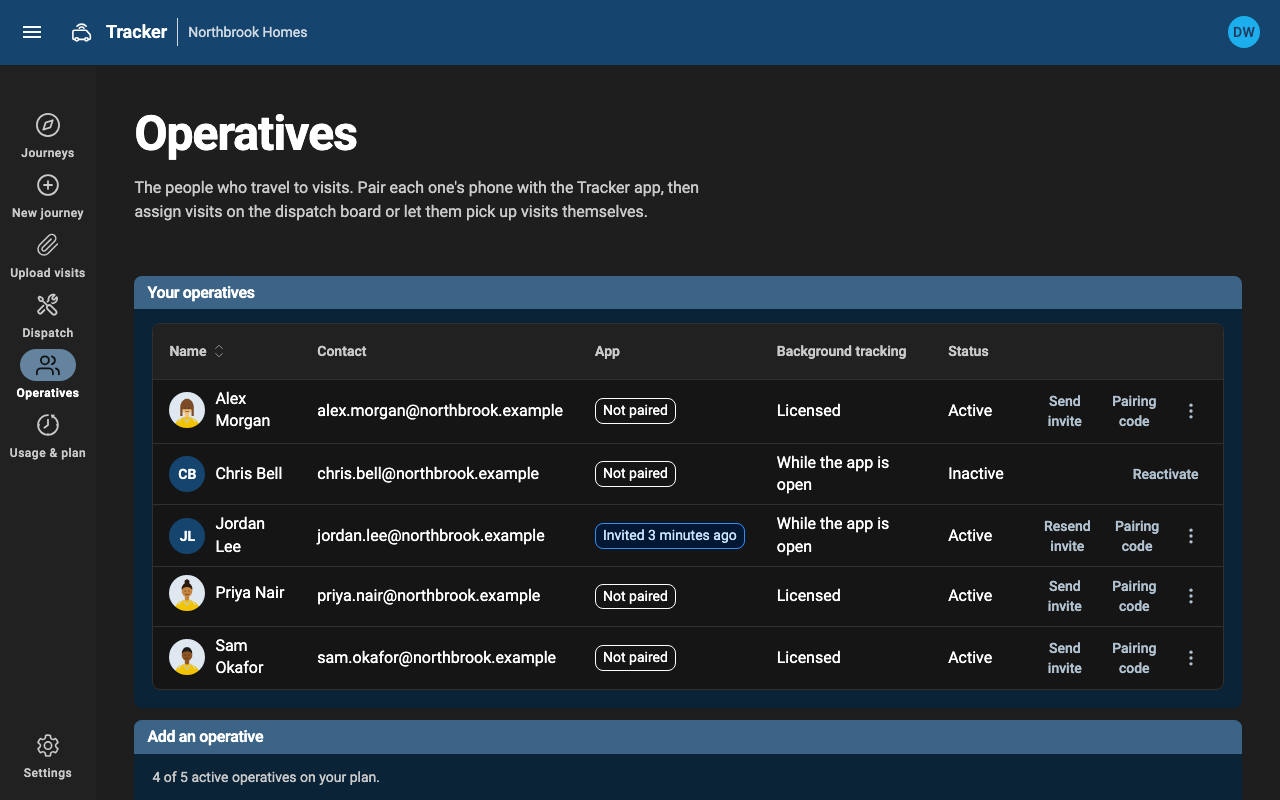
Add an operative and invite them
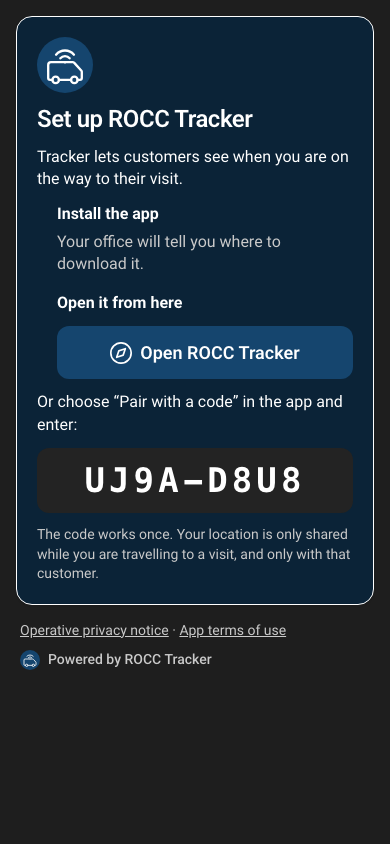
Enter their name (customers see it) and their email, and keep Email them an invite now ticked. The invite links to a page that helps them install the Tracker app and then opens it already signed in. The link works for 7 days, and the page also shows a code they can type instead. You can resend an invite or show a pairing code from the operative's row at any time.
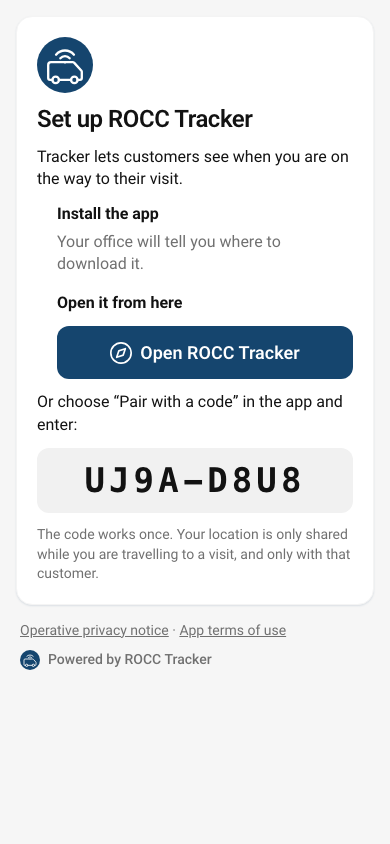
Operatives who've lost their invite can choose No code? Email me one in the app to get a sign-in code by email.
To sign someone out of every phone, for example a lost phone or a leaver, use Sign out app on their row.
Photos for vulnerable tenants
Add a photo from the operative's row with Add photo. You can take one on a phone or tablet. It's cropped to a square and resized in your browser before it's saved, which also removes hidden details such as where it was taken.
Customers only see the photo while that operative is on the way to them or has arrived, next to a reminder to check ID at the door. You can change or remove it at any time.
Background location
On phones with a background-tracking licence, the app keeps sharing the operative's location while the phone is locked or they're using another app. Without one, it shares while the Tracker app is open on screen, which suits a phone in a dashboard holder. Either way, it only shares while they're travelling to a visit.