Dispatch board
The dispatch board shows one day at a time, with a lane per operative and one for unassigned visits.
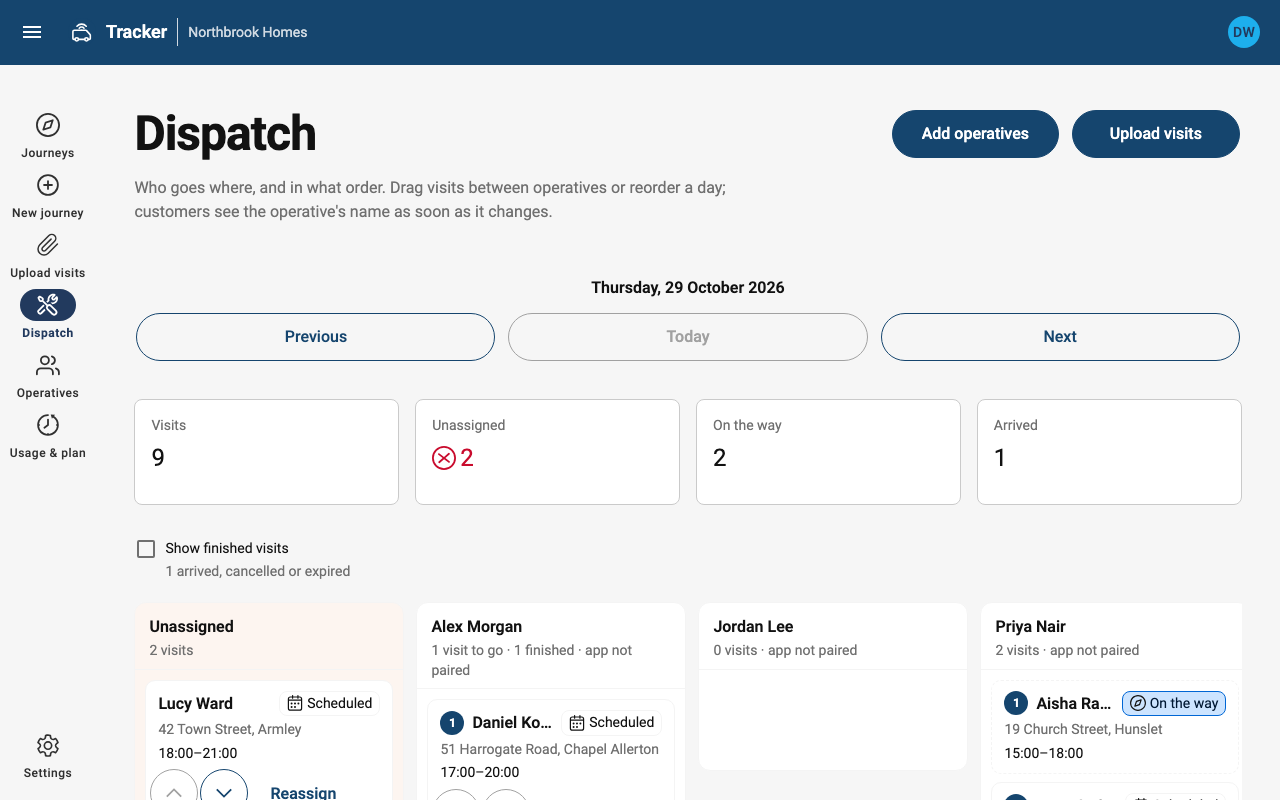
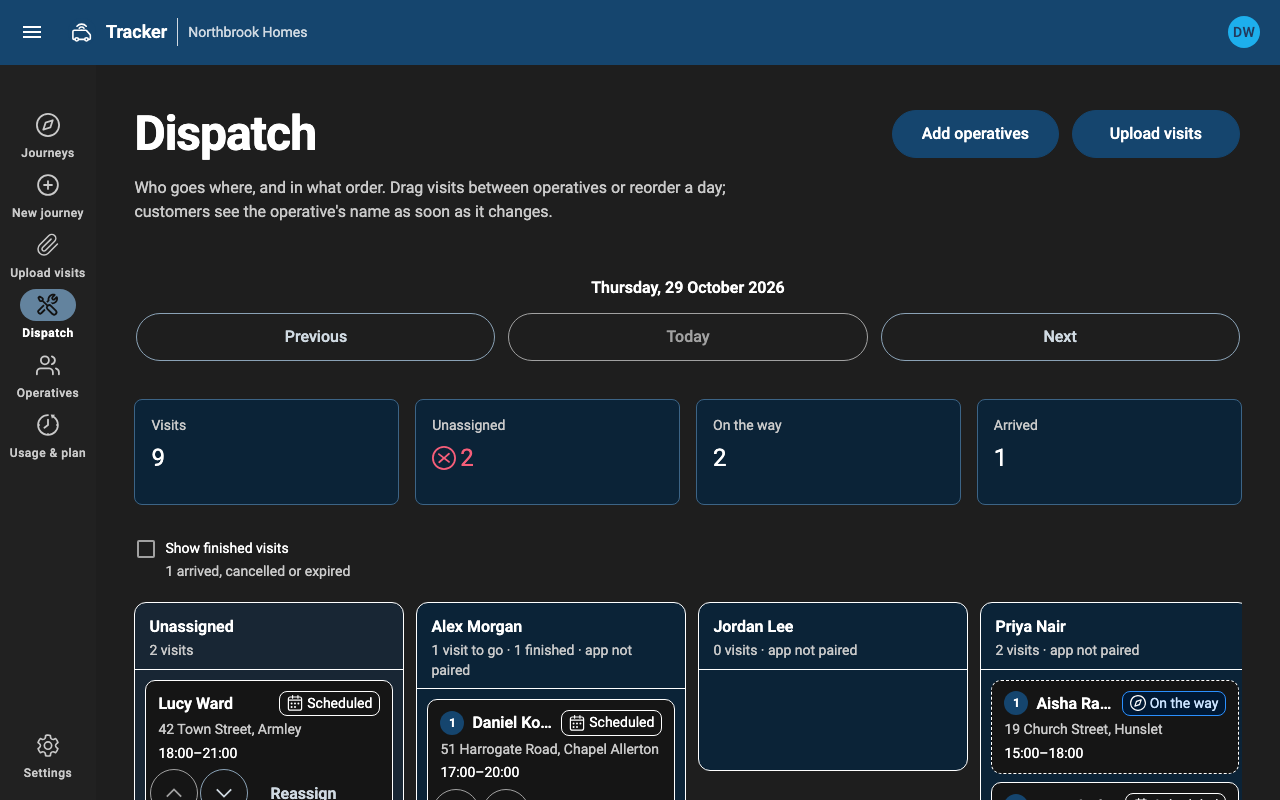
- Assign a visit by dragging it to an operative's lane, or with Reassign on its card. The customer's page shows the new name straight away.
- Reorder a day by dragging, or with the up and down arrows. The Tracker app lists the operative's visits in this order.
- Only visits that haven't started can be moved.
- Finished visits (arrived, cancelled or expired) are hidden. Tick Show finished visits to see them. Each lane says how many visits are still to go.
- The tiles at the top count the day's visits, unassigned visits still to go, and those on the way or arrived.
Letting operatives pick up visits. In Settings you can let operatives take unassigned visits themselves in the Tracker app. That works well for small teams who share out the day in the van.
Tracker doesn't schedule automatically. Route optimisation and appointment booking stay in your job system, or in ROCC Resolve.