What Tracker does
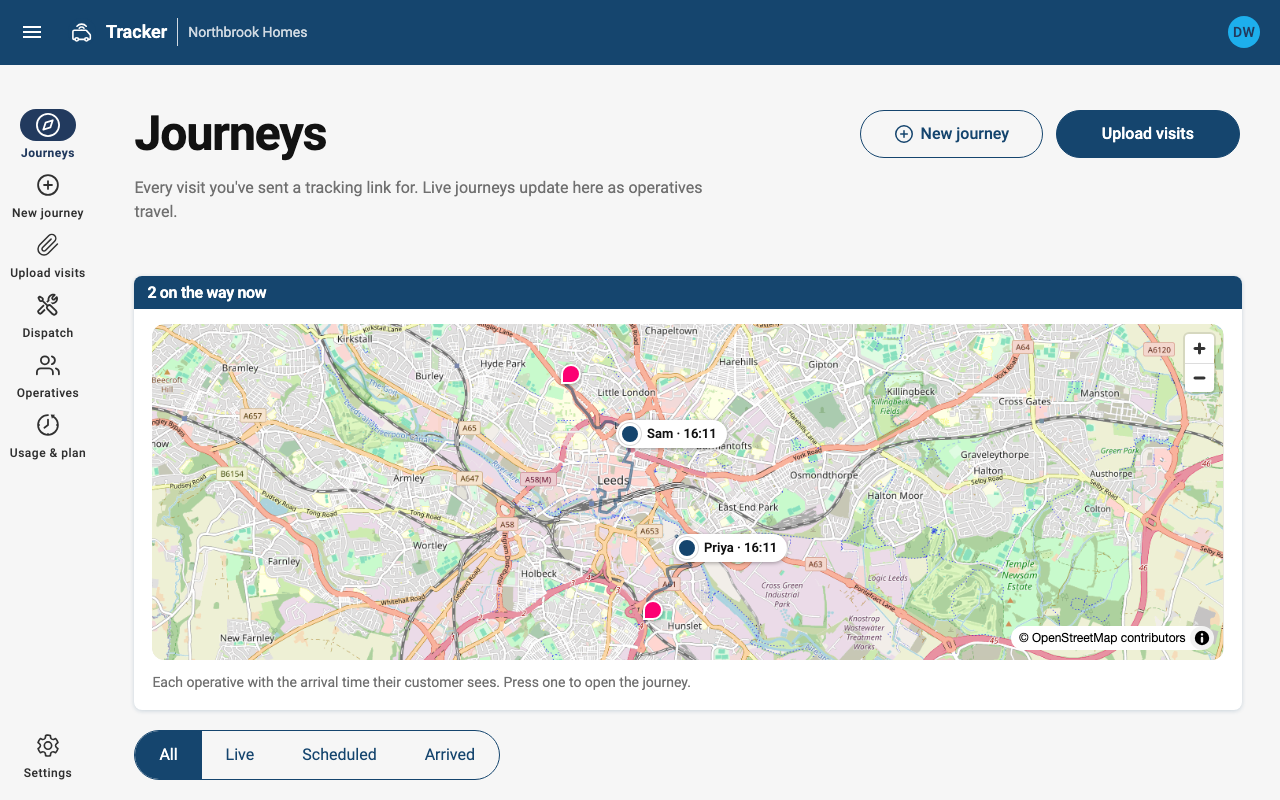
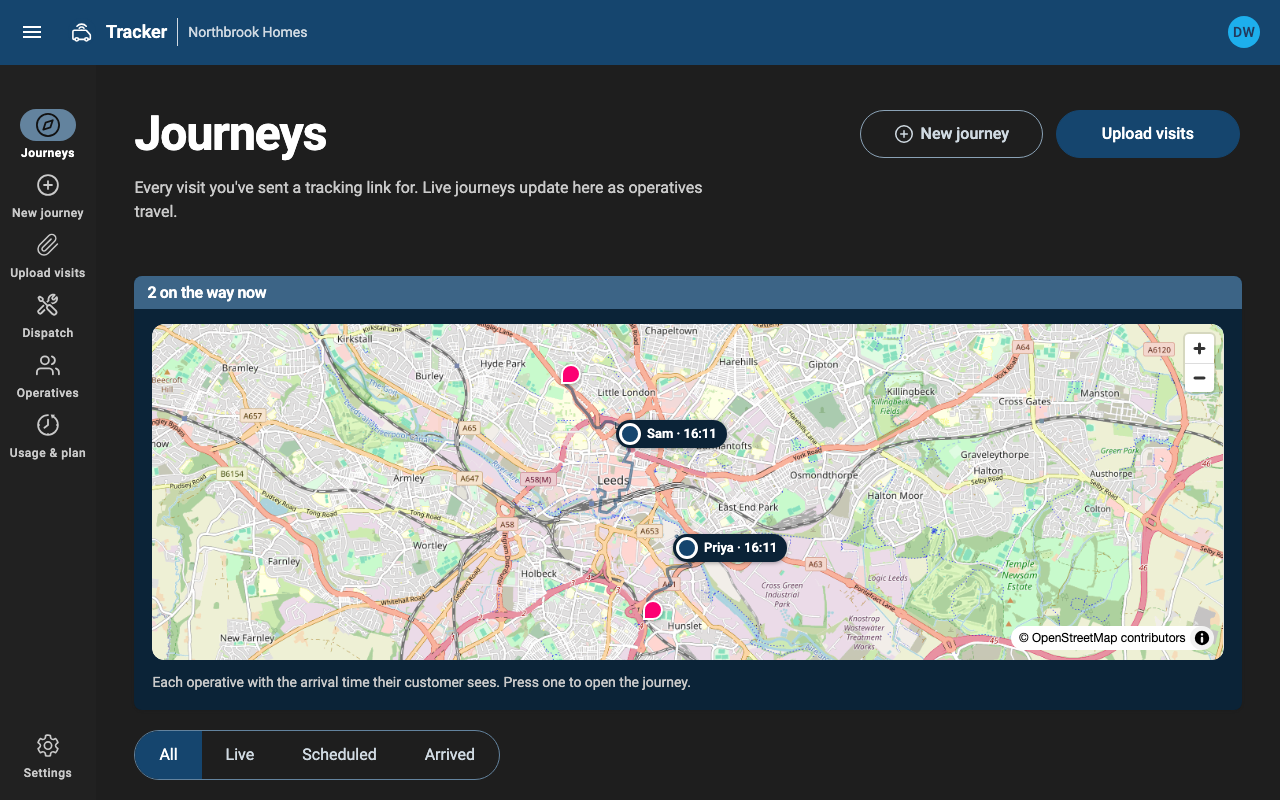
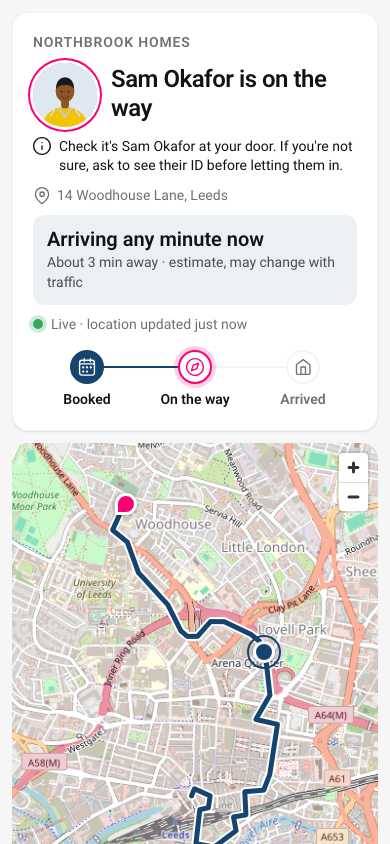
Tracker sends each customer a link that shows when their operative is coming. It works alongside your job system.
A live link for every visit
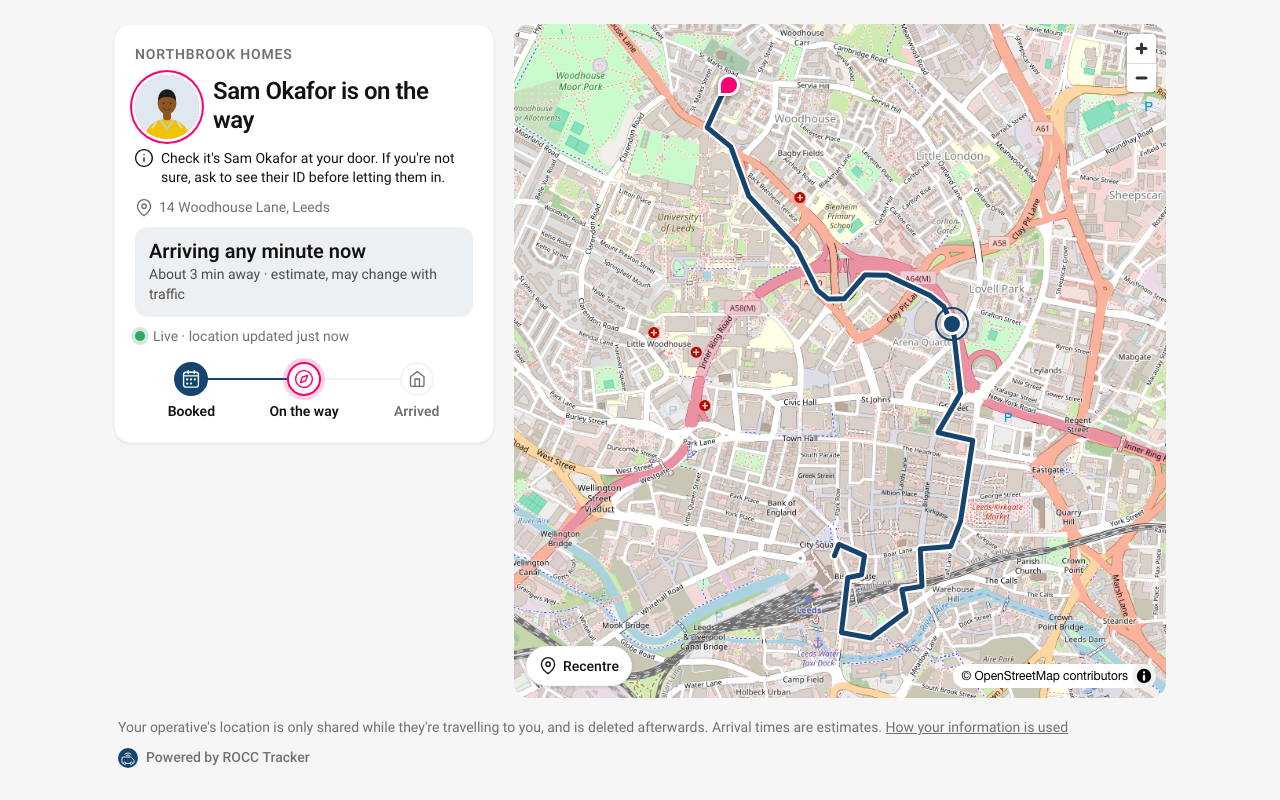
- Customers get a tracking link when the visit is booked, by email or through your own messaging.
- Once the operative sets off they see a live map and an arrival time that updates as they travel.
- No app or account for the customer, and it works on any phone.
Operative photo and ID check
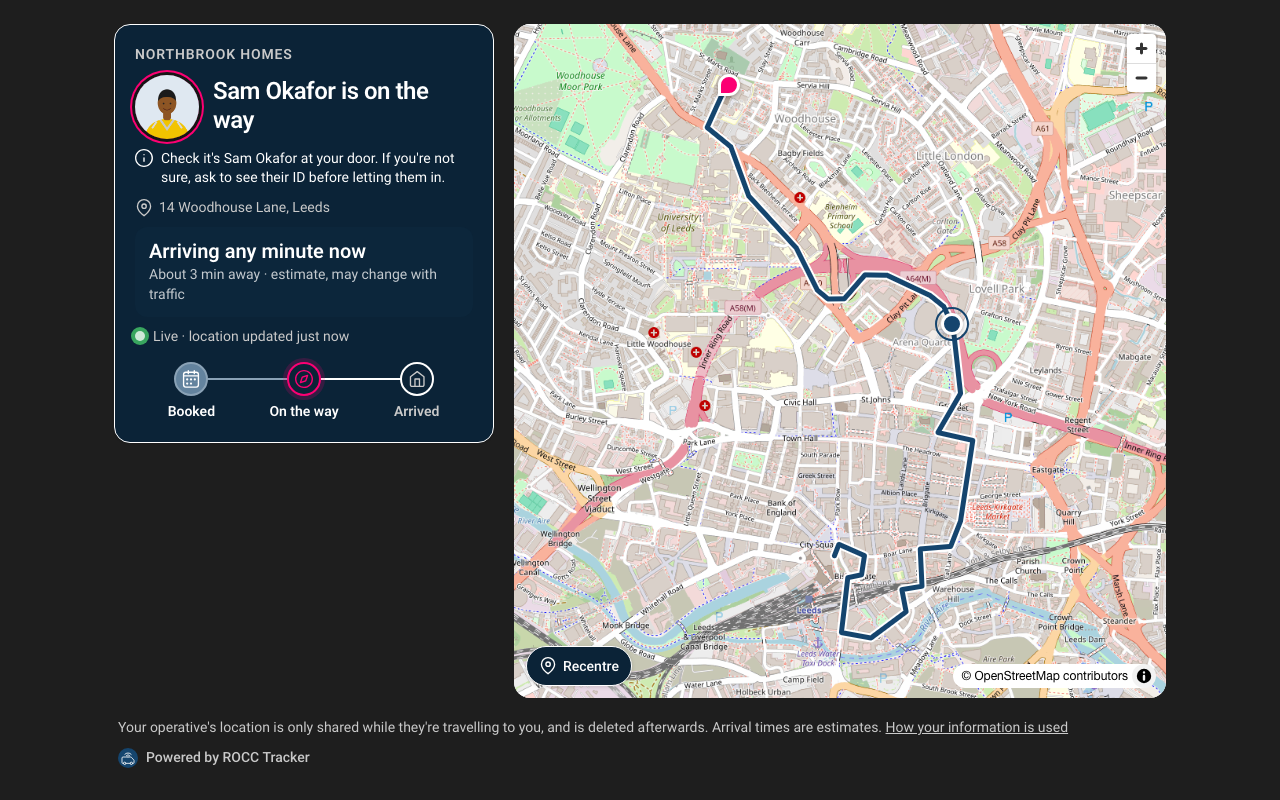
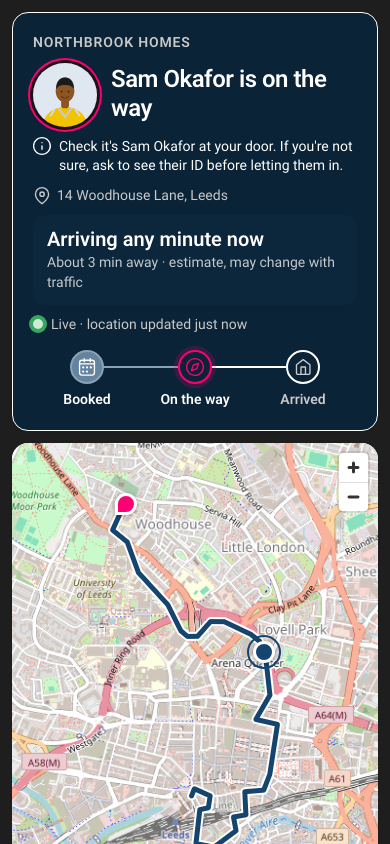
- Show the operative's photo and name, so the customer knows who to expect.
- A prompt to check ID before letting anyone in.
- The photo is only shown while the operative is on the way or has arrived.
Dispatch
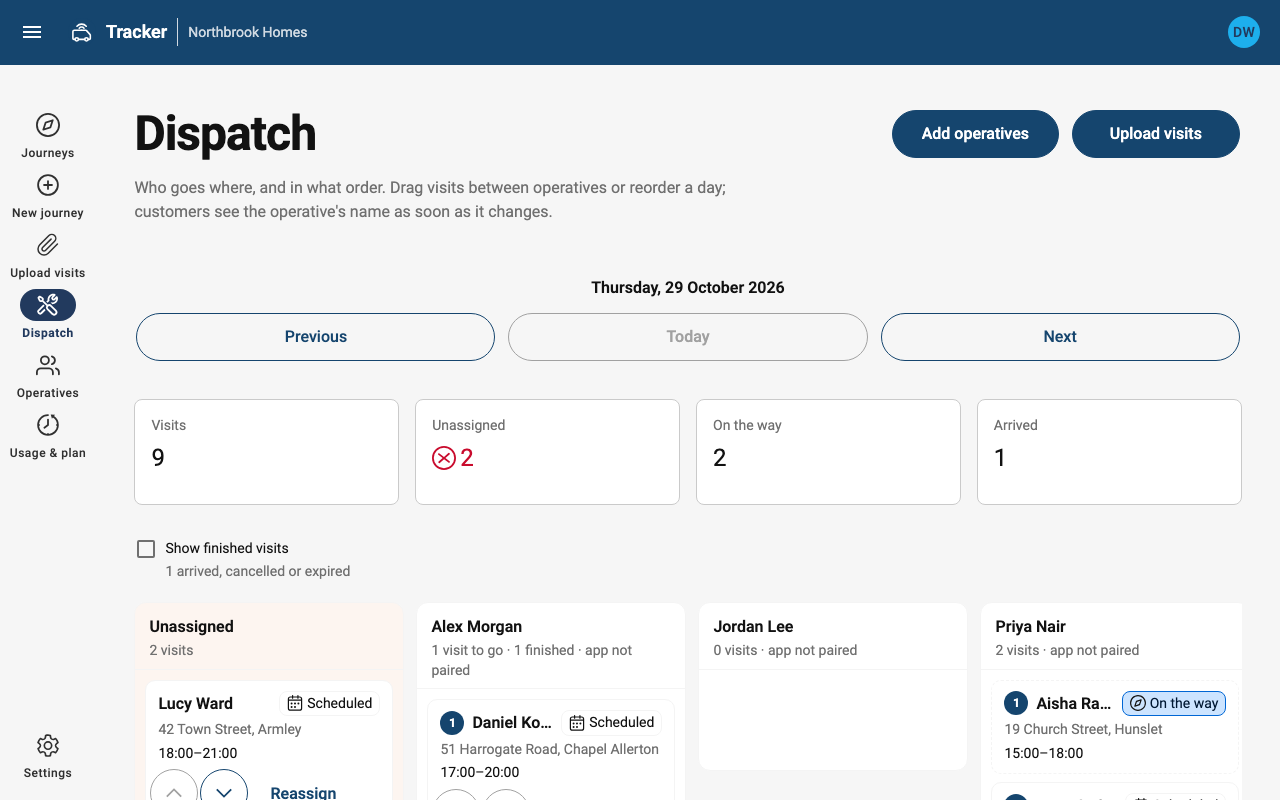
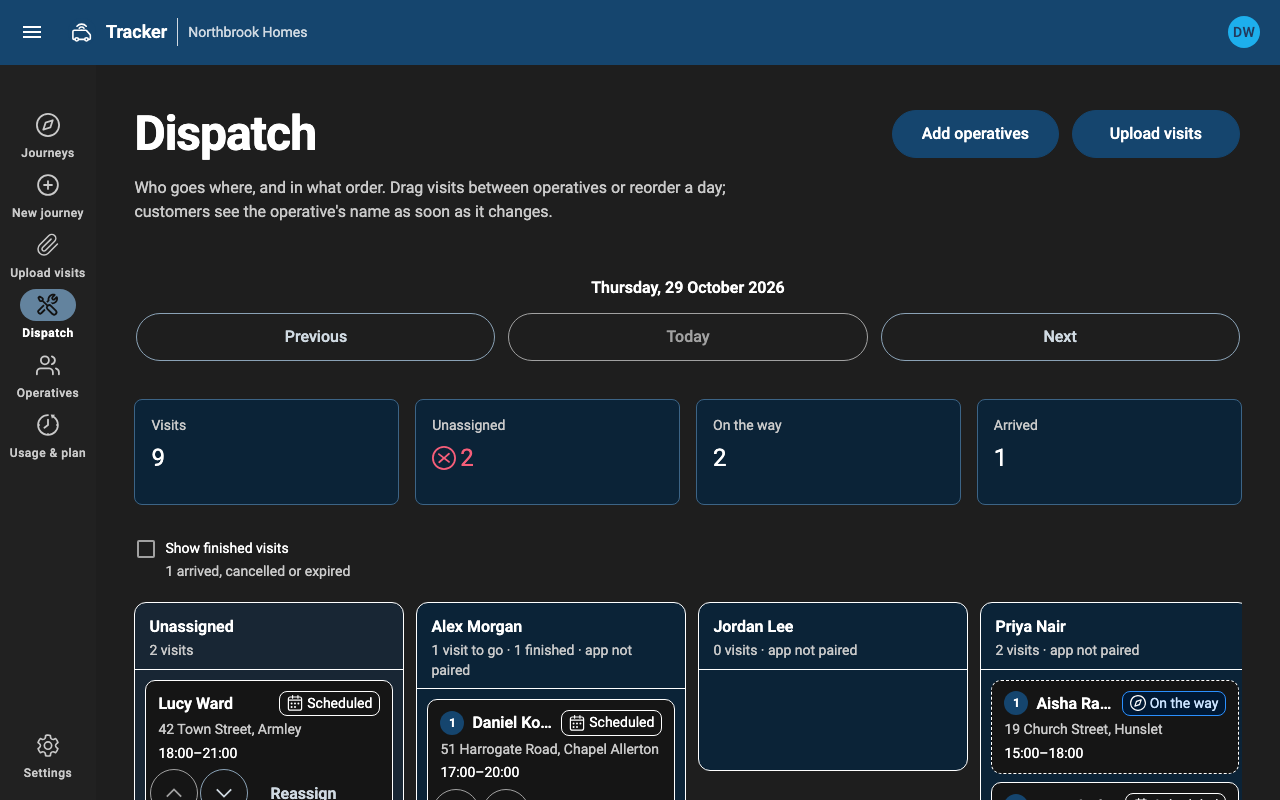
- Assign and order visits per operative on the dispatch board, or let operatives pick up unassigned visits.
- Upload tomorrow’s visits from a spreadsheet, or create them from your job system through the API.
- Automatic scheduling stays with your job system or ROCC Resolve.
The operative app
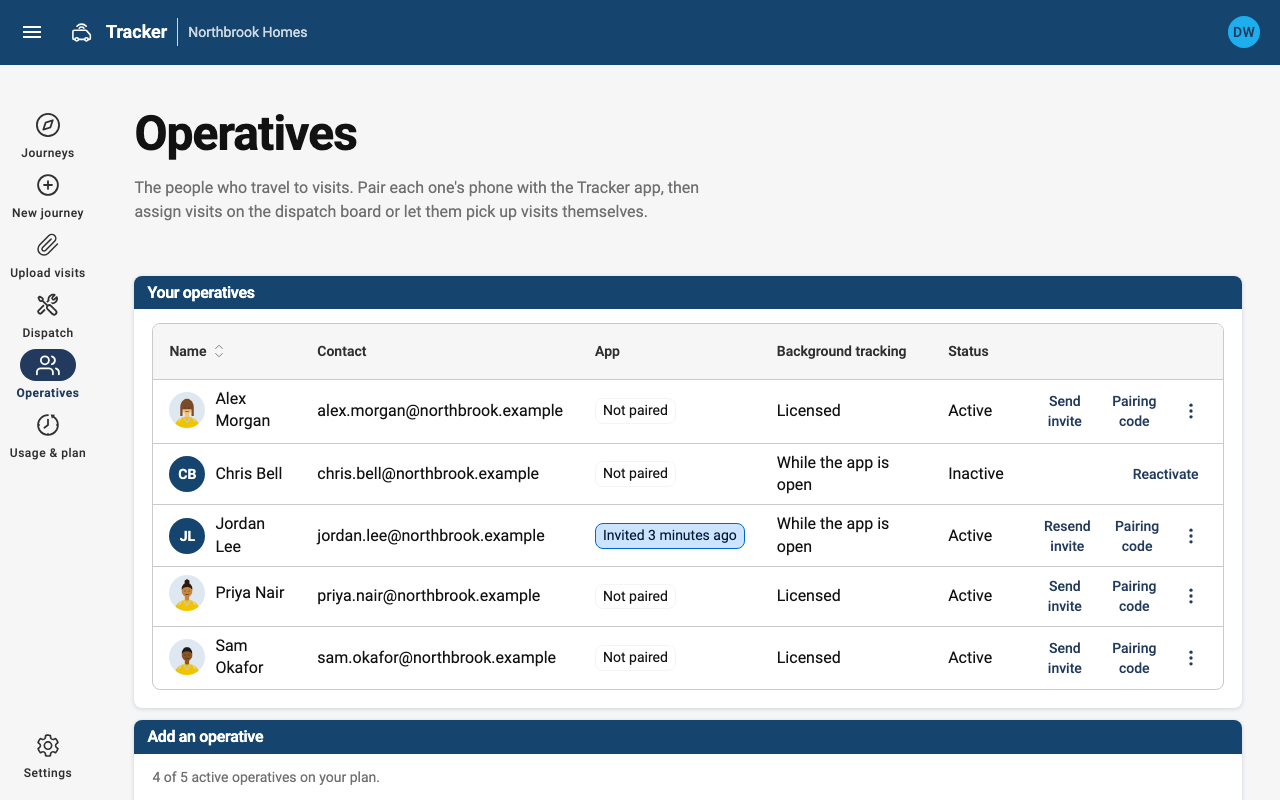
- Invite operatives by email; they open the Tracker app and are signed in.
- Today’s visits in order, “Start journey”, directions and “I’ve arrived”.
- Location is shared only while travelling to a customer.
Also included
Plans
Free: up to 2,000 visits a month and 5 operatives. Team and Business add volume and visit history. Enterprise allowances and billing are agreed with ROCC.
Email or your own messaging
Use the built-in emails, or receive a signed webhook and send through your own SMS or email provider.
UPRNs and postcodes
Set a destination by coordinates, postcode or OS Open UPRN.
Privacy
Only the journey to the customer is tracked, trails are deleted after the retention period, and data stays in the EU.
API
A JSON API with API keys, batched position uploads for telematics, and a WebSocket feed for live pages.
Visit history
Each visit’s route and the arrival times customers saw, for 30 days. Included in Team, Business and Enterprise, or as an add-on.